Modzi3D
Sign inTry Modzi3D for free
Try Modzi3D for free
LESS FRICTION. MORE DIMENSION.

A plan for your next big idea.

Turn a single image into a 3D asset. Make room for more creativity.

↖ Save up to 37.5%

Starter

Your first ideas, brought to life. A comfortable place to start creating.

$12/ month

Billed monthly

2,000 creditsRefreshed every month
  • Up to 30 Base models / month
  • High-quality AI 3D modelling
  • Access to Base & Pro generators
  • Detailed PBR textures with Pro
  • GLB, OBJ & STL formatsGLB download; OBJ & STL via credit-based conversion
  • No daily generation capCreate within your monthly allowance
  • Commercial projectsSubject to the applicable model license
  • Re-download saved files at no extra cost
  • Your own private model library

A fresh allowance every month.

Studio

Your biggest ideas deserve more room. Built for a regular 3D workflow.

$39/ month

Billed monthly

10,000 creditsRefreshed every month
  • Up to 100 Base models / month
  • High-quality AI 3D modelling
  • Access to Base & Pro generators
  • Detailed PBR textures with Pro
  • GLB, OBJ & STL formatsGLB download; OBJ & STL via credit-based conversion
  • No daily generation capCreate within your monthly allowance
  • Commercial projectsSubject to the applicable model license
  • Re-download saved files at no extra cost
  • Your own private model library

A fresh allowance every month.

Private model storageNo repeat download chargesKeep your original files
Find Modzi3D on Product Hunt
Illustrative avatars with three fictional portraits and three artistic images

Trusted by 8,100+ Creators

Join thousands of game developers and 3D artists who rely on our 3D Model Generator to accelerate their workflow.

MADE FOR YOUR WORKFLOW

One image. Plenty of possibilities.

Build a starting point for your next project, then bring your own finishing touches in the tools you already use.

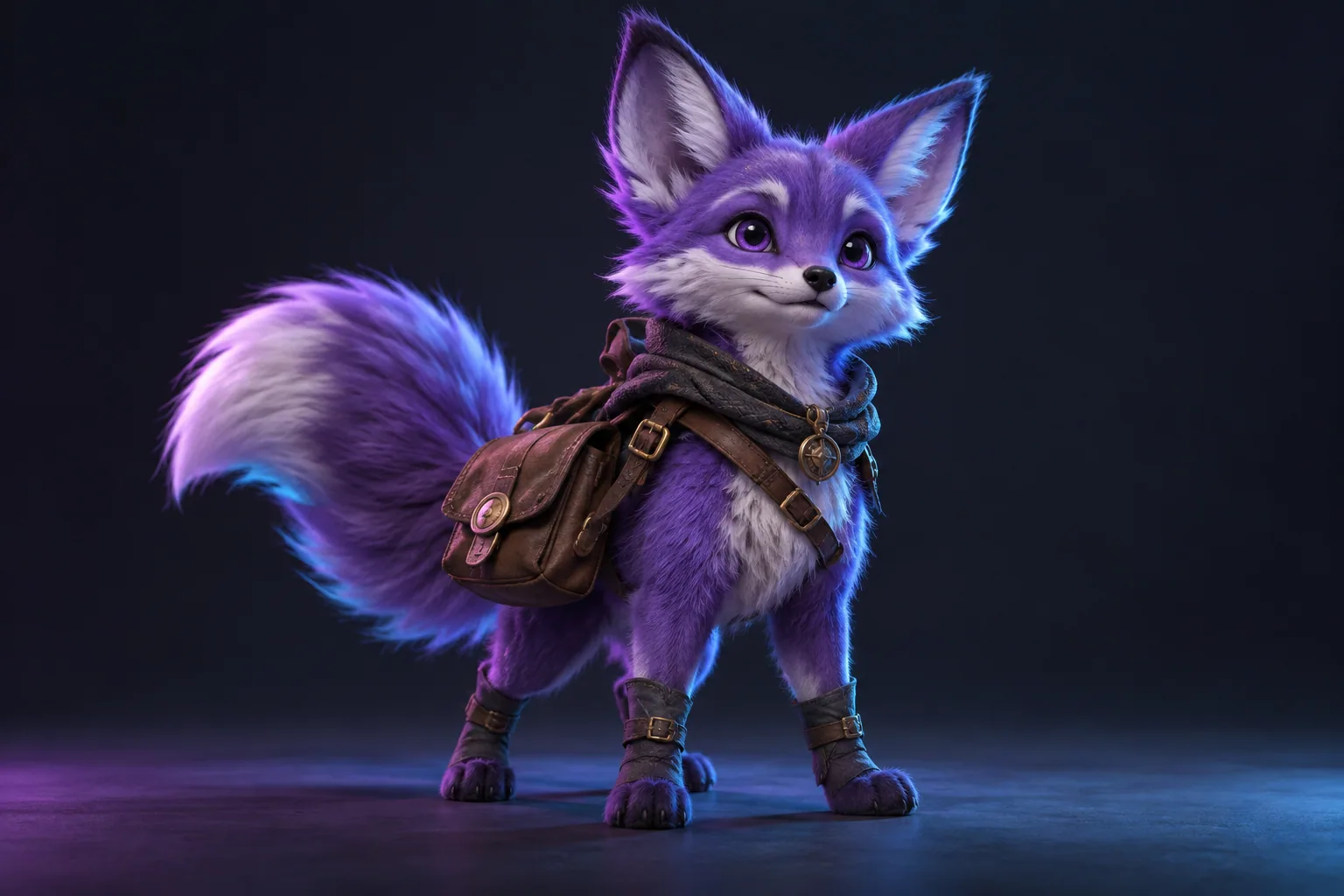
Stylized fox adventurer concept

Character exploration

Give a character concept volume before refining its shape, materials and personality.

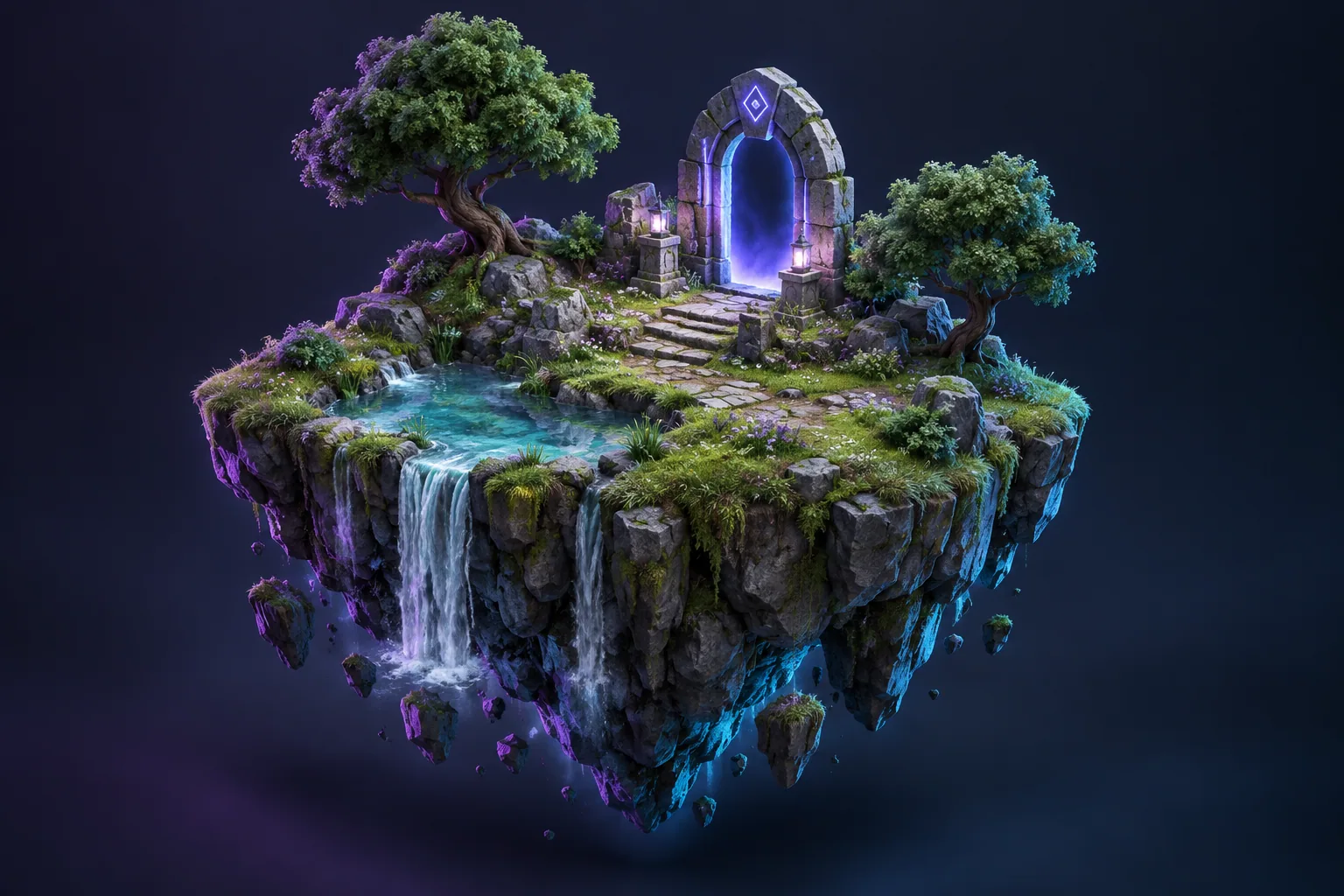
Floating island environment concept

World-building props

Explore objects and scene ideas for game prototypes and visual storytelling.

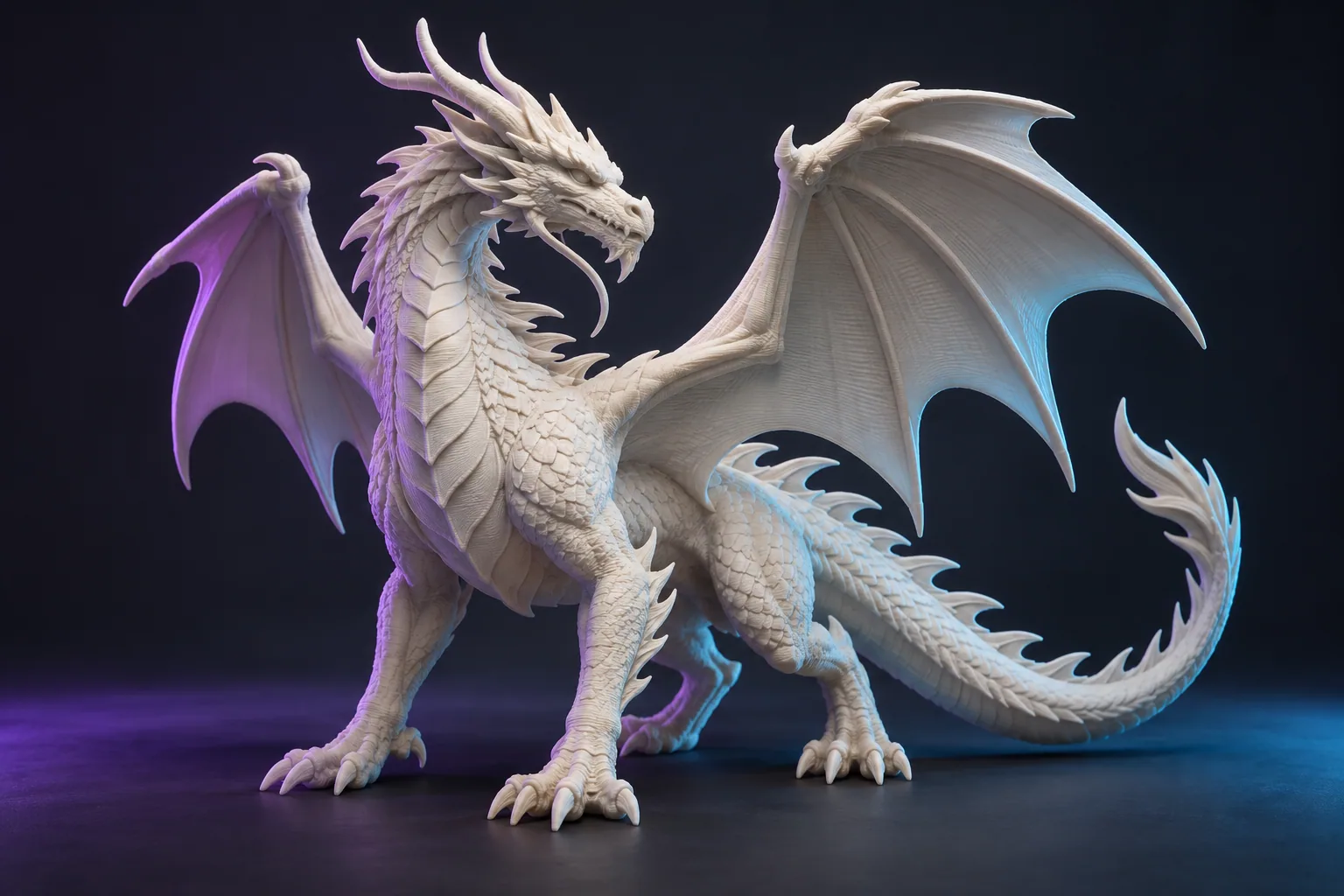
Sculptural dragon miniature concept

Miniature concepts

Start a model for your next print project. Inspect and prepare the mesh before printing.

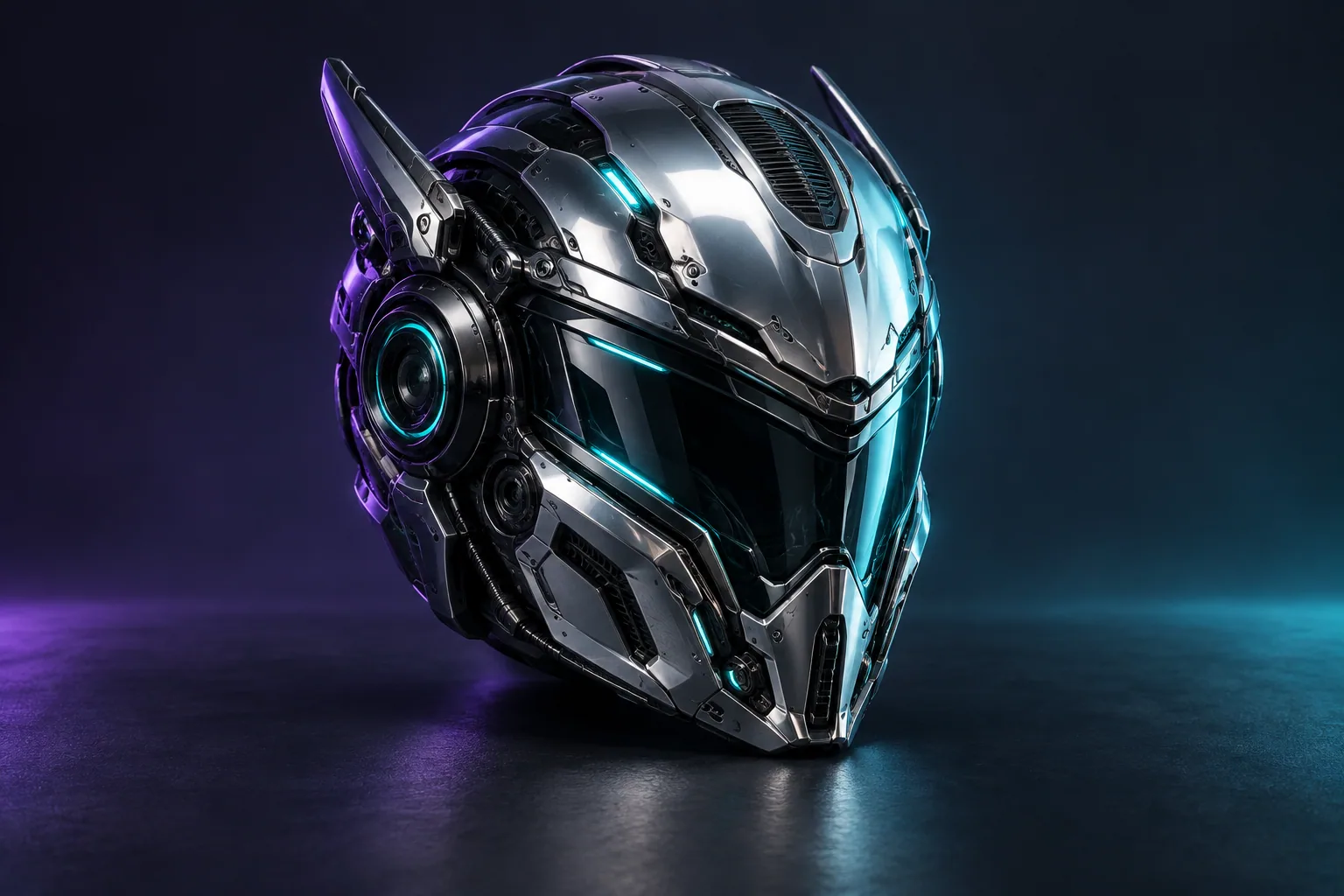
Metallic science fiction helmet concept

Product & object ideas

Move from a reference image to a 3D study you can review from different angles.

THE DETAILS, SIDE BY SIDE

Choose your creative capacity.

The same core workflow in every plan. More credits and a larger generation allowance as your projects grow.

What's includedStarterCreatorStudio
Monthly credits2,0005,00010,000
Base-only monthly capacityUp to 30 modelsUp to 75 modelsUp to 100 models
Base & Pro accessIncludedIncludedIncluded
GLB downloadsIncluded for completed modelsIncluded for completed modelsIncluded for completed models
OBJ & STL conversion13 credits / conversion13 credits / conversion13 credits / conversion
Pro PBR texturesIncluded with Pro generationIncluded with Pro generationIncluded with Pro generation
Private model libraryIncludedIncludedIncluded
Daily generation capNo separate daily capNo separate daily capNo separate daily cap

Monthly credits and generation limits both apply. Mixing in Pro reduces the number of models available. Standard rate limits still apply.

TWO WAYS TO CREATE

The right starting point for your idea.

Choose Base for economical exploration, or Pro when a textured PBR workflow matters most. Results depend on your reference image.

Base

50 credits / model

Make space for experimentation. Turn a clear reference into a 3D starting mesh without using as much of your credit balance.

  • Image-to-3D generation
  • GLB output for viewing and editing
  • A practical start for shape exploration
Find a reference to start with ↗

Pro

150 credits / model

Take your concept into a textured workflow, with PBR materials and a canonical GLB you can inspect before editing or converting.

  • Textured image-to-3D generation
  • Standard-quality PBR materials
  • Uses more of your monthly generation allowance
Prepare a stronger reference ↗
NO GUESSWORK

Plan your next batch.

Explore a mix of Base and Pro. This calculator shows both credits and generation allowance, so you can see what fits before you start.

Conversions use credits but do not consume image-generation units.

Fits your plan
1,500 / 2,000 credits · 30 / 30 generation units
500 credits left for more work.
FROM REFERENCE TO RESULT

Your next dimension, in three steps.

01

Bring a clear reference

Use a JPG, PNG or WebP with one visible subject. Simple backgrounds and readable shapes help communicate your idea.

02

Choose your generator

Pick Base or Pro and review the credit cost. Follow the job from your account while your model is being created.

03

Make it your own

Inspect the 3D preview, download your GLB, or convert to OBJ or STL. Refine the model for its intended use.

GOOD QUESTIONS

A little clarity before you create.

Plans, credits and files, explained.

Still need a hand?
[email protected] ↗

How does yearly billing work?

Starter is $108 per year, Creator $180 and Studio $348. Eligible first-time subscribers pay $0 now, then the full annual amount after the 3-day trial unless cancelled. Your credits and generation allowance still refresh monthly. Switch to Monthly above for monthly billing.

Do unused credits roll over?

Unused subscription credits expire at the end of each monthly allowance period. Gift credits and separately purchased credits remain in your persistent balance. Annual billing does not grant all twelve months of credits at once.

Why are there credits and a model limit?

Credits cover generation and file conversions. The monthly generation cap is a separate limit. Starter provides 30 generation units, Creator 75 and Studio 100. Base uses one unit; Pro uses three units on Starter and Creator, and two on Studio. Remaining credits can still be used for conversions after reaching the generation cap.

What does each action cost?

Base image generation costs 50 credits. Pro costs 150 credits. A supported file conversion costs 13 credits. Downloading an already generated, cached file does not charge credits again.

Can I use Base and Pro in the same month?

Yes. For example, Starter can fit 15 Base models and 5 Pro models in its 30-unit allowance. Both your remaining credits and your remaining generation units must cover a request.

Which files can I download?

Completed generations use GLB as their main model format. You can use credit-based conversion to create OBJ or STL files. STL stores geometry without textures. Always inspect converted files for your intended workflow.

Are the models ready for 3D printing?

A generated or converted STL is a starting point, not a guarantee of printability. Check scale, mesh integrity, wall thickness and supports in your modelling and slicing software before printing.

What happens if a generation fails?

For a system-reported failure, the reservation is released once and generation allowance is restored to its original monthly period. Expired subscription credits stay in that expired period. A completed generation that does not match your artistic expectations is different from a technical failure.

Can I use my models commercially?

Commercial use depends on the applicable model license and on your rights to the input image. Check the terms for your intended use. A subscription does not grant rights to another person’s copyrighted characters, artwork or trademarks.

Is there a daily generation limit?

There is no separate daily generation cap for these plans. Monthly credit and generation allowances still apply, along with short-term rate limits that protect service reliability.

How do I manage billing or request help?

Use Billing & invoices in your account for available billing controls. Contact [email protected] for plan changes, cancellation questions or a refund request, and review our refund policy before purchasing.

Are my files public?

Modzi3D stores your generation assets in private storage. Access to downloads is checked against your account and uses temporary signed links. Your selected image is shared with the generation provider to process your request.


Get more from every reference.

Practical guides for the next step in your workflow.

Image preparation ↗GLB, OBJ or STL? ↗
YOUR NEXT IDEA STARTS HERE

Give it another dimension.

Choose the capacity that fits your creative rhythm.

Find your plan ↑