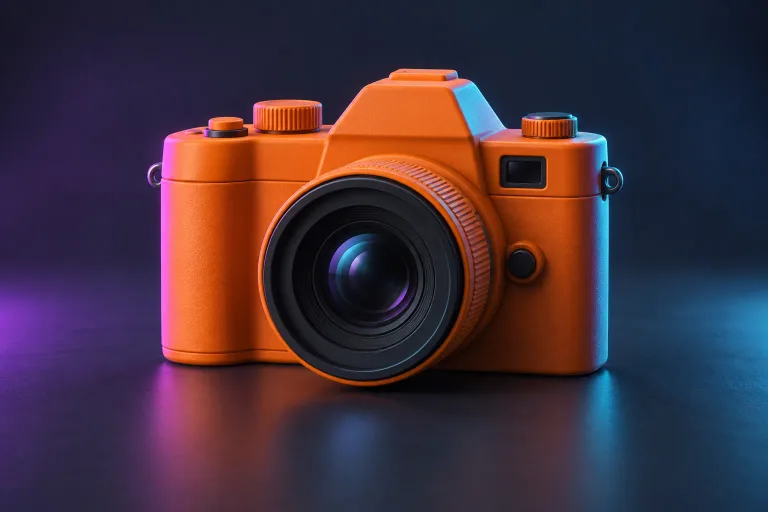
 01
Start with a single image.
Use a clear picture of one complete object. A simple background and a readable silhouette give the model a better starting point.
Explore the workflowTurn your images into 3D models. Bring characters, objects, and your next big idea into the world.
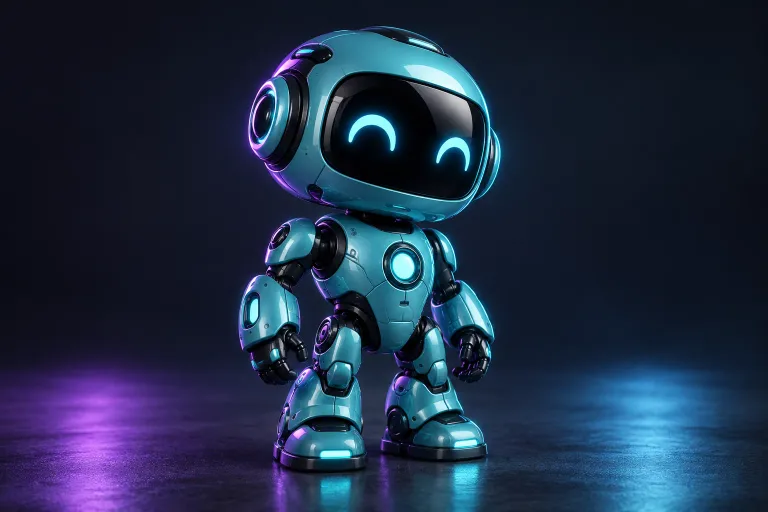 Your reference
Bring an image, choose the details, and make room for your next idea.
Upload an image, set the details, and prepare your first model.
Explore the studioAn account is required to generate. Preparing an image uses no credits.
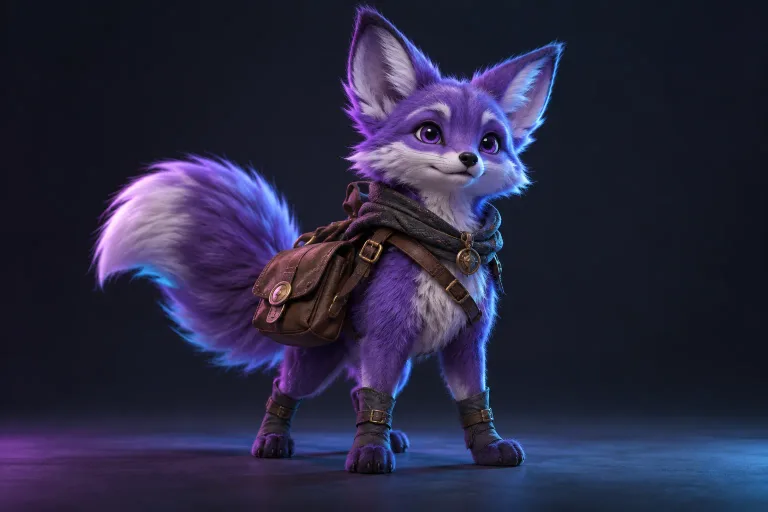
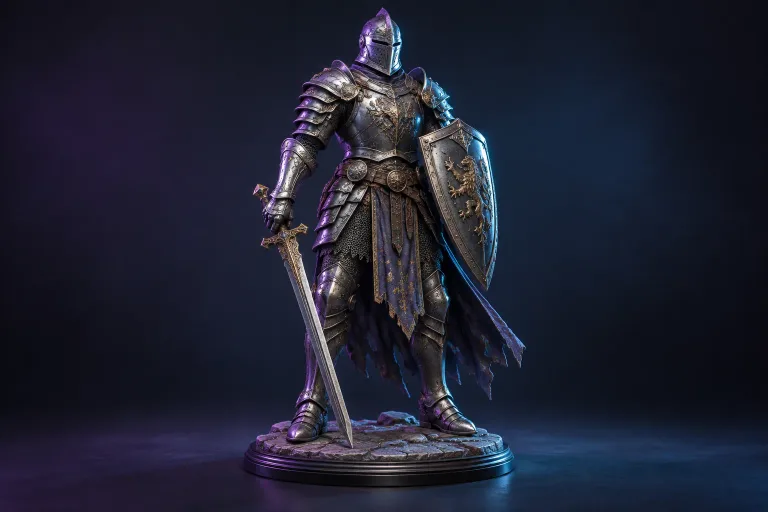
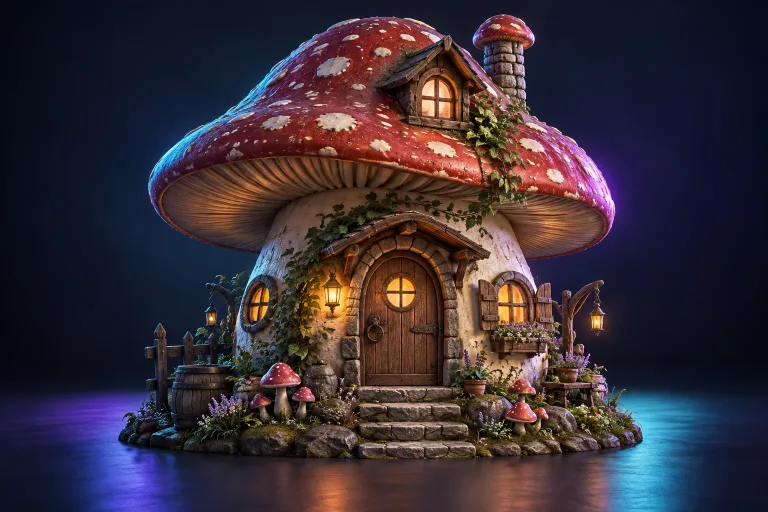
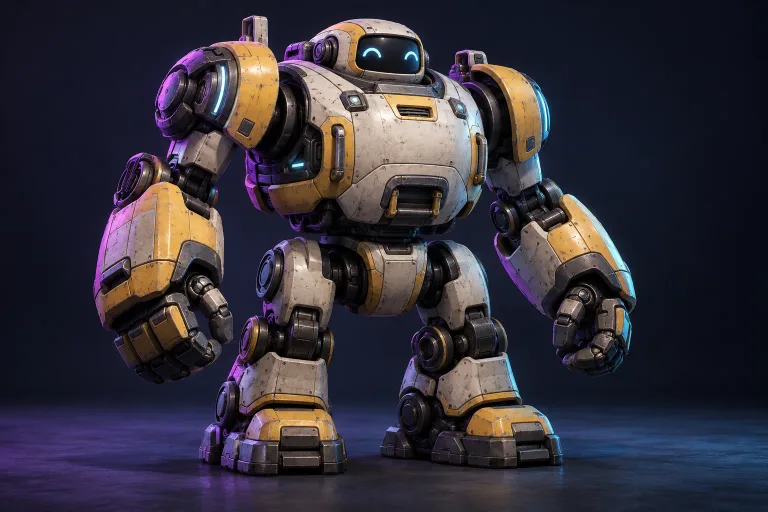
Characters, game props, collectibles, and more. Choose a reference to get started.
Use this reference
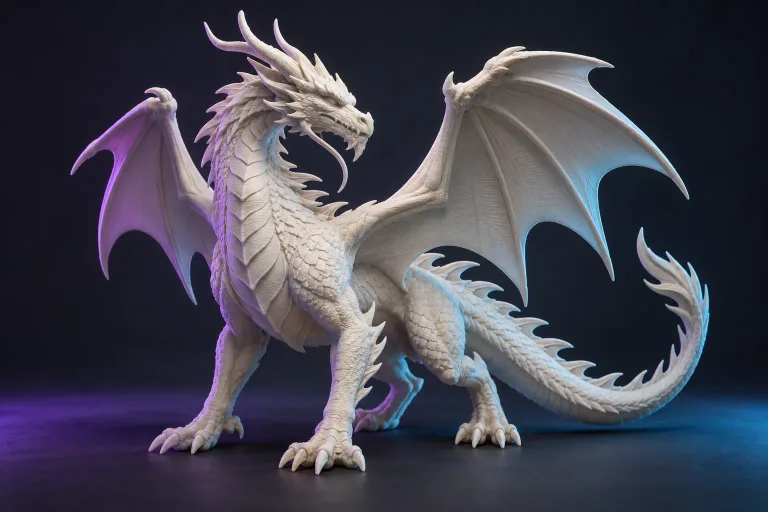
Use this reference
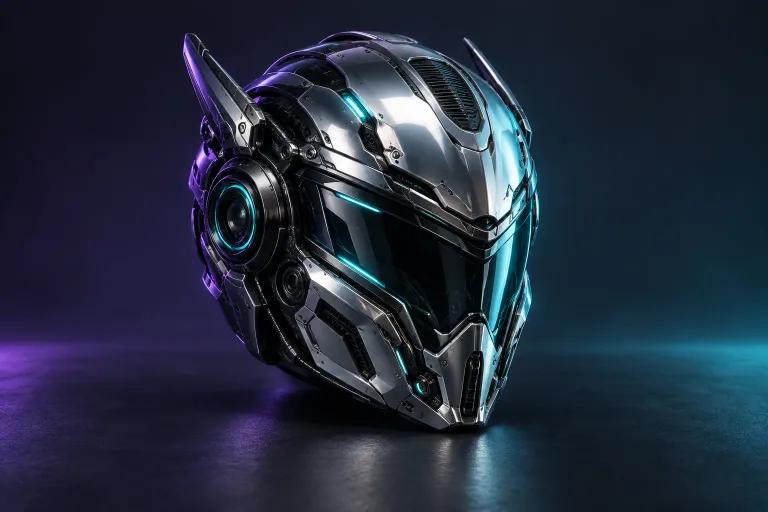
Use this reference
Use this reference
Use this reference
Use this reference
Use this reference
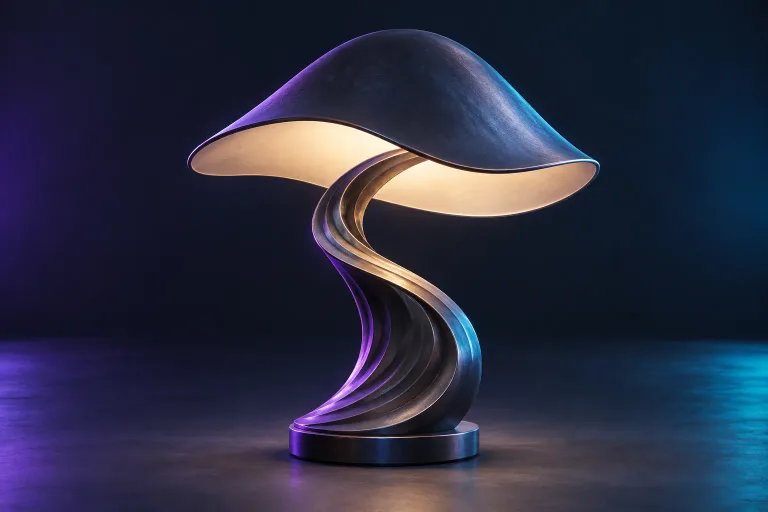
Use this reference
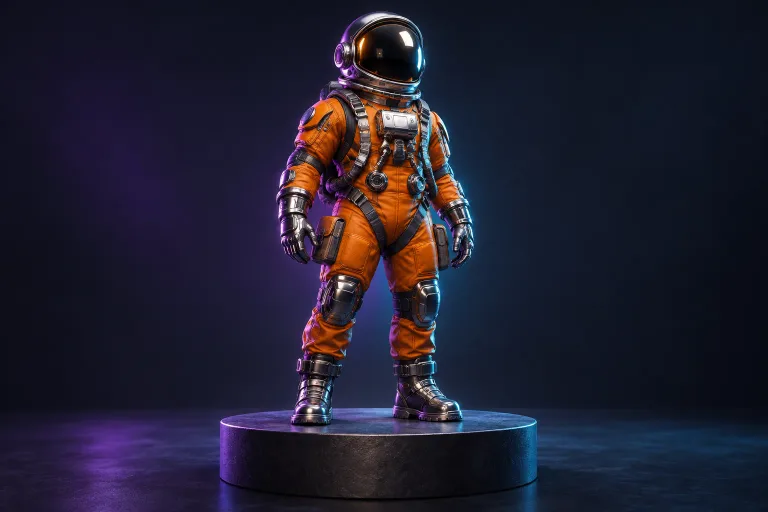
AI-generated concept images. These are starting references, not finished 3D models.
Explore all 30 examplesA considered workflow, from your first reference to your next creative project.
01Use a clear picture of one complete object. A simple background and a readable silhouette give the model a better starting point.
Explore the workflow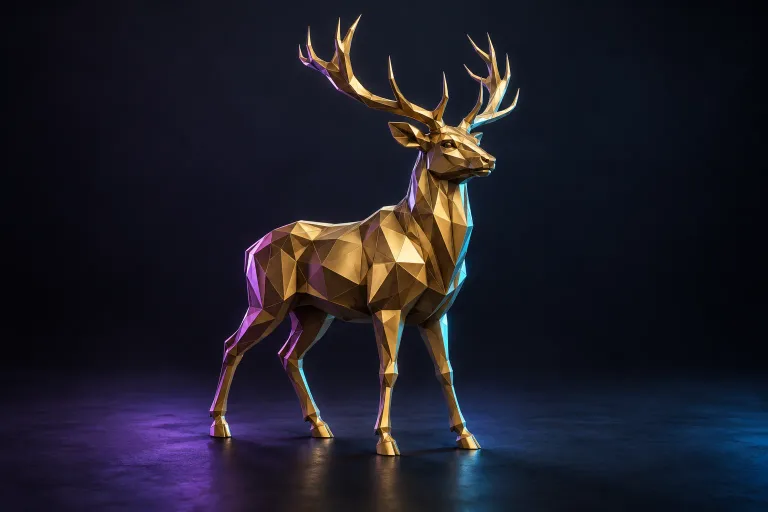 02
Set the geometry and texture options for your project. See the exact credit cost before you confirm a generation.
Explore the workflow03Add textures to explore the look of your reference in three dimensions. Inspect the result and refine materials in your 3D editor.
Explore the workflow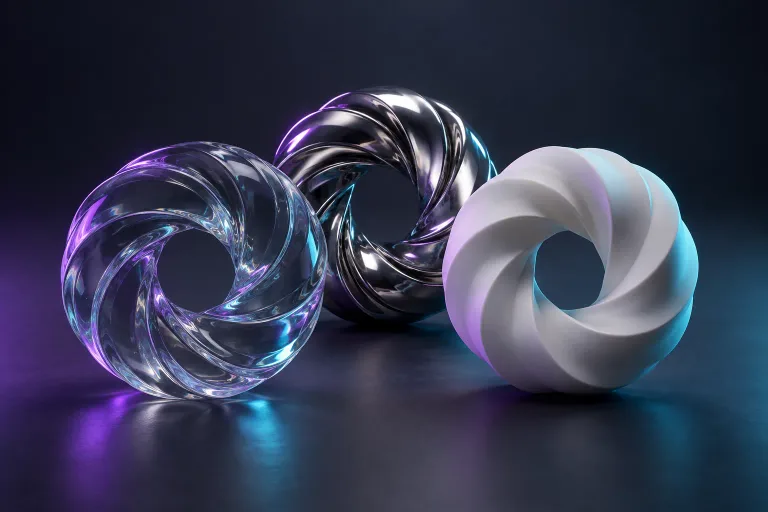 04
Download the formats available for your completed model, then continue in Blender, Unity, or another compatible tool.
Explore the workflowIt interprets a reference image and estimates the shape of an object in three dimensions. You get a starting mesh to inspect, refine, and use in your project. Hidden surfaces, small details, and printability still need a human check.
Read the image-to-3D guideA simple path from a picture to a model you can keep working with.
Start with a clear JPG or PNG of a single object.
Choose your geometry and texture settings.
Inspect your model, then export to your favourite tools.
Prepare a reference and manage your projects without installing a modelling application.
Review your settings and the credit cost before confirming a generation.
Find your models, generation status, downloads, and credit history in your account.
Use the generated mesh as a starting point for game assets, design studies, or printing preparation.
Guides are currently available in English.
Turn an image into a 3D model: prepare the photo, choose Base or Pro, inspect geometry and textures, and export GLB for editing or conversion.
Read guideChoose your export around its destination: a viewer, an editor, or a printing workflow.
Read guideThe checks between a generated mesh and a model that is ready for your slicer.
Read guideBring your image. Explore the possibilities. Make something yours.
Start creating