Prepare AI-Generated Images for 3D: A Reference Guide
A clear image is a useful starting point for a 3D idea. Understand what an AI image generator makes, what “free” includes, and how to prepare a reference for the next step.
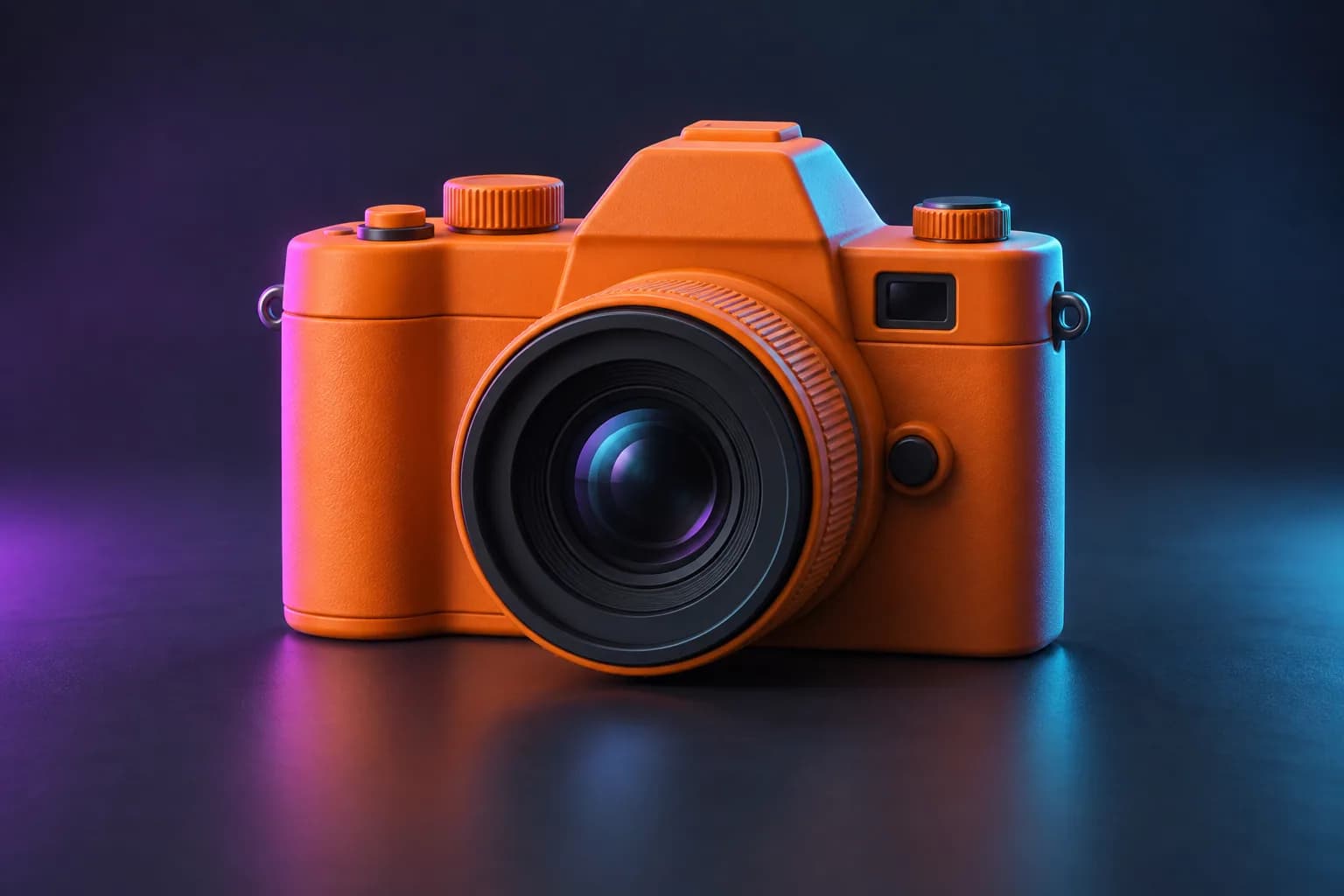
Build a reference that tells a clear story
Before you upload, give the next stage a simple brief. These choices affect what the 3D generator can infer.
One subject
A single complete object gives the outline a clear role. Keep props and background characters out of the frame.
One readable material
Matte ceramic, painted wood or fabric is easier to judge visually than transparent glass or a mirror finish.
One intended use
A game prop, a concept study and a printable figure each need different checks after generation.
Turn your reference image into 3D
Choose Base or Pro and review the credit cost before submitting. Your completed GLB is saved in your account.
An image is the starting point, not a 3D mesh
An AI image generator makes a flat picture from a description or a reference. A 3D generator produces geometry that can be inspected from different angles. A realistic-looking picture does not contain the object’s hidden surfaces, physical dimensions, or printable volume.
Modzi3D’s current studio converts a reference image into a proposed 3D model. Text-to-image and image-to-image generation are not currently live on this site. You can bring a JPG or PNG made elsewhere, use a photo you have permission to process, or choose a concept from our example library.
Write a prompt for a useful reference
Describe one subject, its shape, the main material, and the viewing angle. For example: “A small ceramic owl figurine, rounded wings close to the body, three-quarter view, simple gray background, soft even lighting.” This gives a clearer starting point than a busy scene containing several objects.
Keep the whole object inside the frame. Avoid text, logos, cropped feet, complicated reflections, and overlapping props when your next step is 3D generation. If the image has visible defects, correct them before converting it.
Check the limits of a free image generator
A free allowance may be limited by output count, size, model choice, queue priority, or download rights. Read the particular service’s terms before using a result commercially. “Free to preview” and “free to download” describe different offers.
Every plan offers a 3-day trial with a limited image-to-3D allowance. A card is required. After 3 days, the selected subscription price is charged unless you cancel before the trial ends.
Bring your reference into Modzi3D
Save a clear JPG or PNG, open the image-to-3D studio, and check the reference before submitting. Sign in with a verified account. Choose Base or Pro and review the displayed credit cost before submitting.
After processing, inspect the output for missing features and distorted proportions. A result can still require editing, retopology, material adjustments, or print preparation. Keep the source image and model together so you can compare them.
Common questions
Explore related guides
Image Editing Before 3D Generation: A Reference Guide
Understand image-to-image AI, prepare a clear reference, and learn when you need a 3D model instead of another flat image.
AI 3D Model Generator: Free Trial & Credit Guide
Explore the 3-day image-to-3D trial, card requirement, subscription billing and export costs. Prepare your reference and review Base and Pro before generating.
Create a 3D Model from a Picture
Learn how to create a 3D model from a photograph, choose a useful view, and understand the difference between single-image AI and multi-photo capture.