Create a 3D Model from a Picture
A single photograph can suggest the shape of an object. A good reference and realistic expectations make the conversion easier to evaluate.
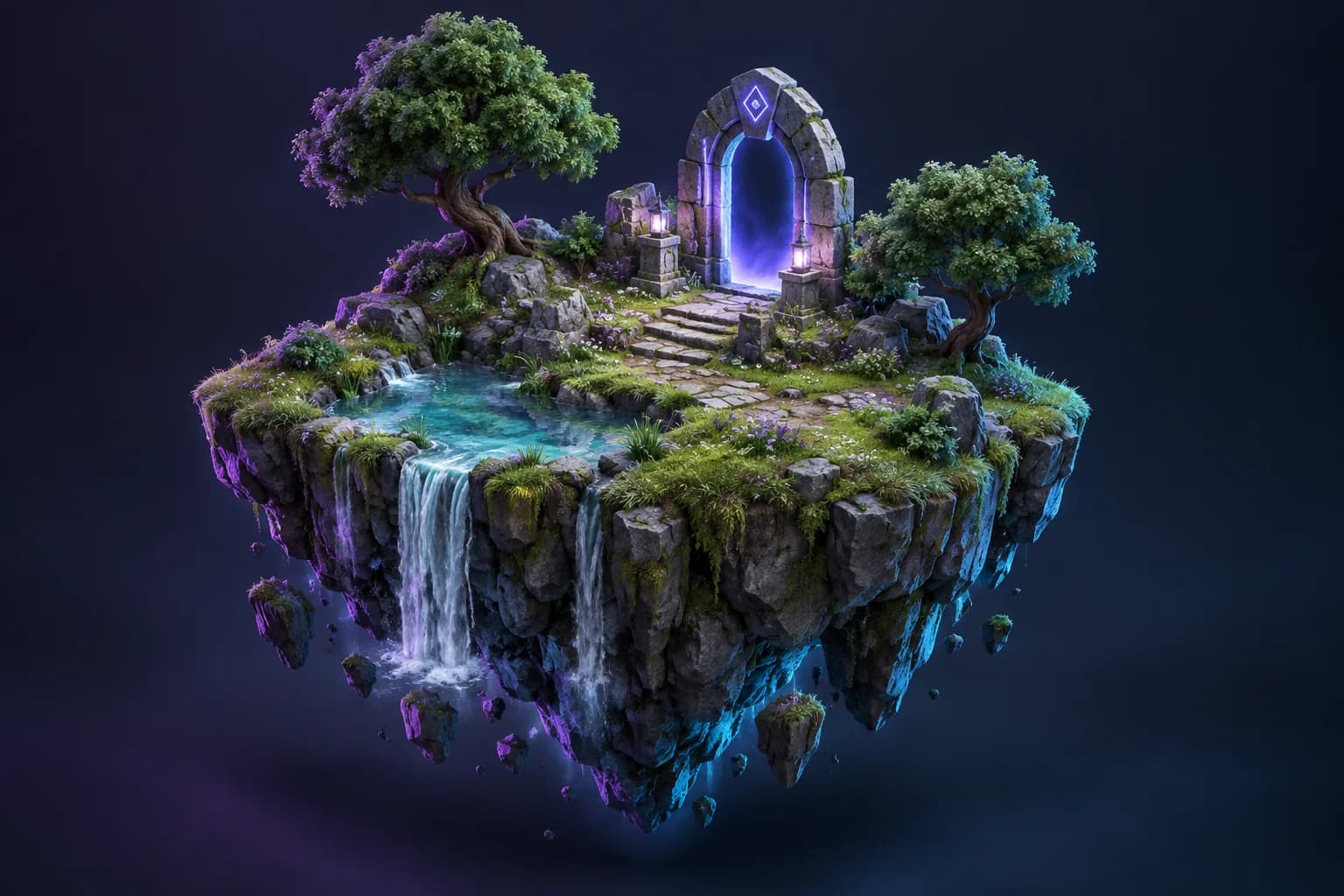
Turn your reference image into 3D
Choose Base or Pro and review the credit cost before submitting. Your completed GLB is saved in your account.
What your photograph tells the model
Some information is visible; some must be inferred. Make that distinction part of your review.
Visible evidence
The silhouette, broad proportions and visible surface colours provide direct clues. Clear edges help preserve recognizable features.
Hidden information
The back, underside and internal construction may not appear at all. Do not treat the generated geometry as a scan or measurement.
Your next decision
For creative exploration, inspect and edit the proposal. For measured reconstruction, evaluate a capture workflow with additional views.
Choose a picture that explains the object
Use a sharp image of one complete subject with a clean background. A three-quarter view often shows more information than a flat front view. Leave space around the subject so the silhouette is not cut off.
Avoid choosing an image only because it is dramatic. Deep shadows and shiny reflections can obscure geometry. Check handles, ears, feet, wheels, and other important details before uploading.
Single-image AI estimates what it cannot see
The hidden side of an object is not recorded in a single photo. The generator proposes a plausible shape using learned patterns. It can create a useful concept but cannot guarantee an exact replica of the photographed object.
Inspect the complete output rather than only the angle that resembles your reference. Compare proportions and check for merged parts, distorted surfaces, or missing pieces.
Creating a 3D model with photos is a different workflow
Traditional photogrammetry uses many overlapping views around a subject to reconstruct visible surfaces. It depends on consistent lighting, camera coverage, and a suitable surface. It is different from asking an AI model to infer a shape from one picture.
The current Modzi3D studio accepts a single reference image for each request. It does not currently combine a photo set into a scan. If exact geometry matters, consider a measured modelling or capture workflow and validate the result.
Move from the photograph to a reviewed result
Open the studio, choose your JPG or PNG, and sign in with a verified account. Review the Base or Pro option and credit cost before submitting. Keep the task reference so you can find the result later in your account.
Completed models can be downloaded as GLB from your account. OBJ and STL conversions are separate operations costing 13 credits each; they are not included in the image-generation trial.
Common questions
Explore related guides
Prepare Photos for Image-to-3D: A Practical Guide
Compare AI photo generation with photo-to-3D conversion. Learn how to prepare portraits, objects, and product pictures for a useful 3D reference.
AI 3D Model Generator: Free Trial & Credit Guide
Explore the 3-day image-to-3D trial, card requirement, subscription billing and export costs. Prepare your reference and review Base and Pro before generating.
3D Model for 3D Printing: From Reference to Slicer
Prepare a 3D model for a 3D printer: inspect geometry, set scale, check wall thickness, and preview supports before printing.