Prepare Photos for Image-to-3D: A Practical Guide
A convincing photograph and a useful modelling reference are not always the same thing. Start with a picture that explains the subject’s shape.
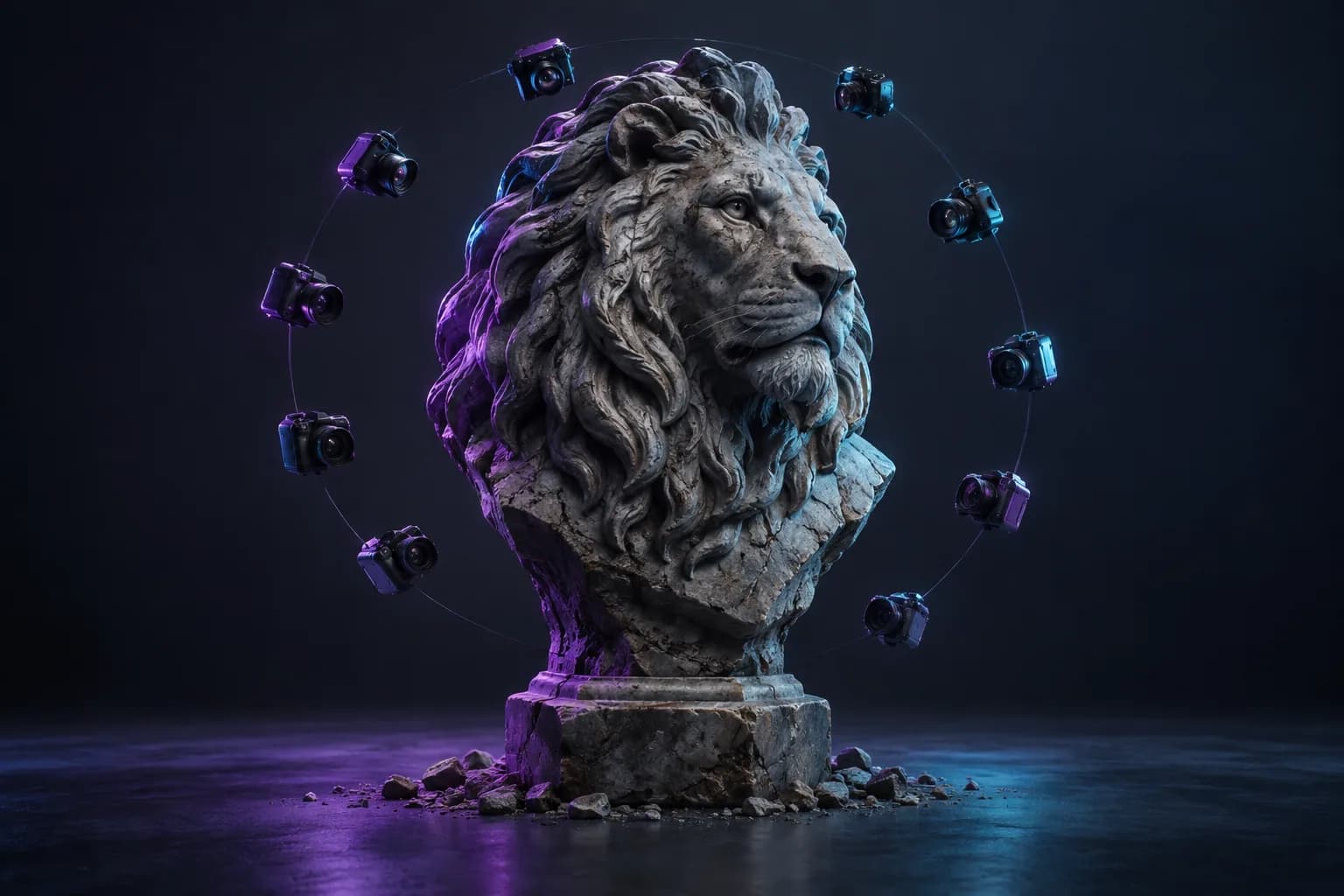
A small photo workshop
Use this sequence to choose between an attractive picture and a useful modelling reference.
Frame the whole object
Leave visible space around the ears, handle, base and other outer parts. Cropped areas ask the generator to invent their ends.
Compare with neutral lighting
Strong shadows can look like recesses. A second look in even light helps you separate surface colour from actual shape.
Keep a clean master
Retain the unedited source. If you later remove a background or change contrast, compare the silhouette with that master.
Turn your reference image into 3D
Choose Base or Pro and review the credit cost before submitting. Your completed GLB is saved in your account.
Decide whether you need a new picture or a model
An AI photo generator creates or edits a two-dimensional image. Photo-to-3D software estimates a three-dimensional shape. If your goal is a product image for a web page, you may only need a picture. If you need an object for a scene or printing preparation, you need a mesh.
Modzi3D currently provides the image-to-3D workflow. It does not currently offer live photo generation. This guide helps you prepare a photograph or an AI-created picture before bringing it into the studio.
Photograph an object with its outline visible
Put one object against a simple background and use soft, even light. A three-quarter view can reveal the front, side, and depth at once. Keep the complete silhouette in frame, including handles, ears, feet, and other protruding parts.
Strong reflections, glass, translucent materials, and thin wires are difficult to interpret from one image. Consider a simpler reference for your first experiment. Do not assume an AI reconstruction preserves the exact measurements of the photographed object.
Use portraits and personal photos responsibly
Use your own images or obtain permission from the person depicted. Avoid uploading sensitive identity documents or unnecessary personal details. Review the rights attached to a picture generated by another service.
A head seen from the front gives no direct evidence of the back of the head. A generated result estimates those missing areas. Expect to check hair, ears, facial proportions, and the neck, especially before making a physical figurine.
Understand the preview and download boundary
Every plan offers a 3-day trial with a limited image-to-3D allowance. A card is required. After 3 days, the selected subscription price is charged unless you cancel before the trial ends.
A preview is not a print-ready file. Inspect and refine the generated geometry, then verify scale, wall thickness and the slicer preview before printing.
Common questions
Explore related guides
Create a 3D Model from a Picture
Learn how to create a 3D model from a photograph, choose a useful view, and understand the difference between single-image AI and multi-photo capture.
3D Model for 3D Printing: From Reference to Slicer
Prepare a 3D model for a 3D printer: inspect geometry, set scale, check wall thickness, and preview supports before printing.
Prepare AI-Generated Images for 3D: A Reference Guide
Learn what a free AI image generator produces, how to prepare a useful reference, and how image generation differs from creating a 3D model.